Create an experience that feels like your university.
Manage stops and stories, photos and videos, English and Spanish content, camera views, branding, forms, visitor features, announcements, and calls to action.
 quad
quadThe university workspace
A campus experience that belongs to your university. A workspace that connects your creative, marketing, and admissions teams.
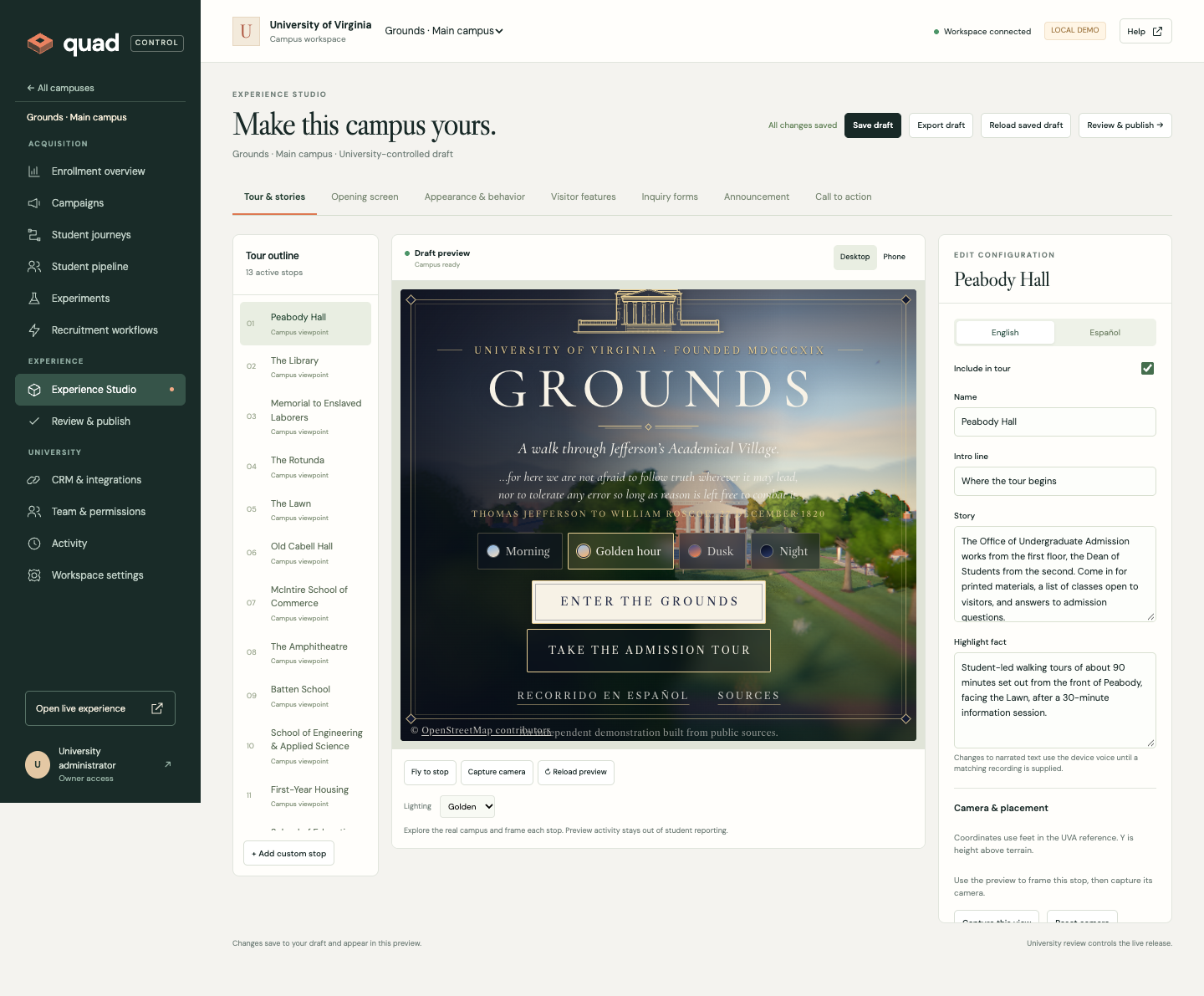
Manage stops and stories, photos and videos, English and Spanish content, camera views, branding, forms, visitor features, announcements, and calls to action.
Build audience journeys and campaigns, compare messages, manage inquiries and recruiter tasks, and connect campaign reporting to confirmed applications and enrollments.
Assign permission-based roles, keep drafts private, review exact content, release approved versions, and restore an earlier story when needed.
Choose hosted tours, website embeds, or the tour API. Control approved domains, language, audience, release pinning, and whether each destination is active.
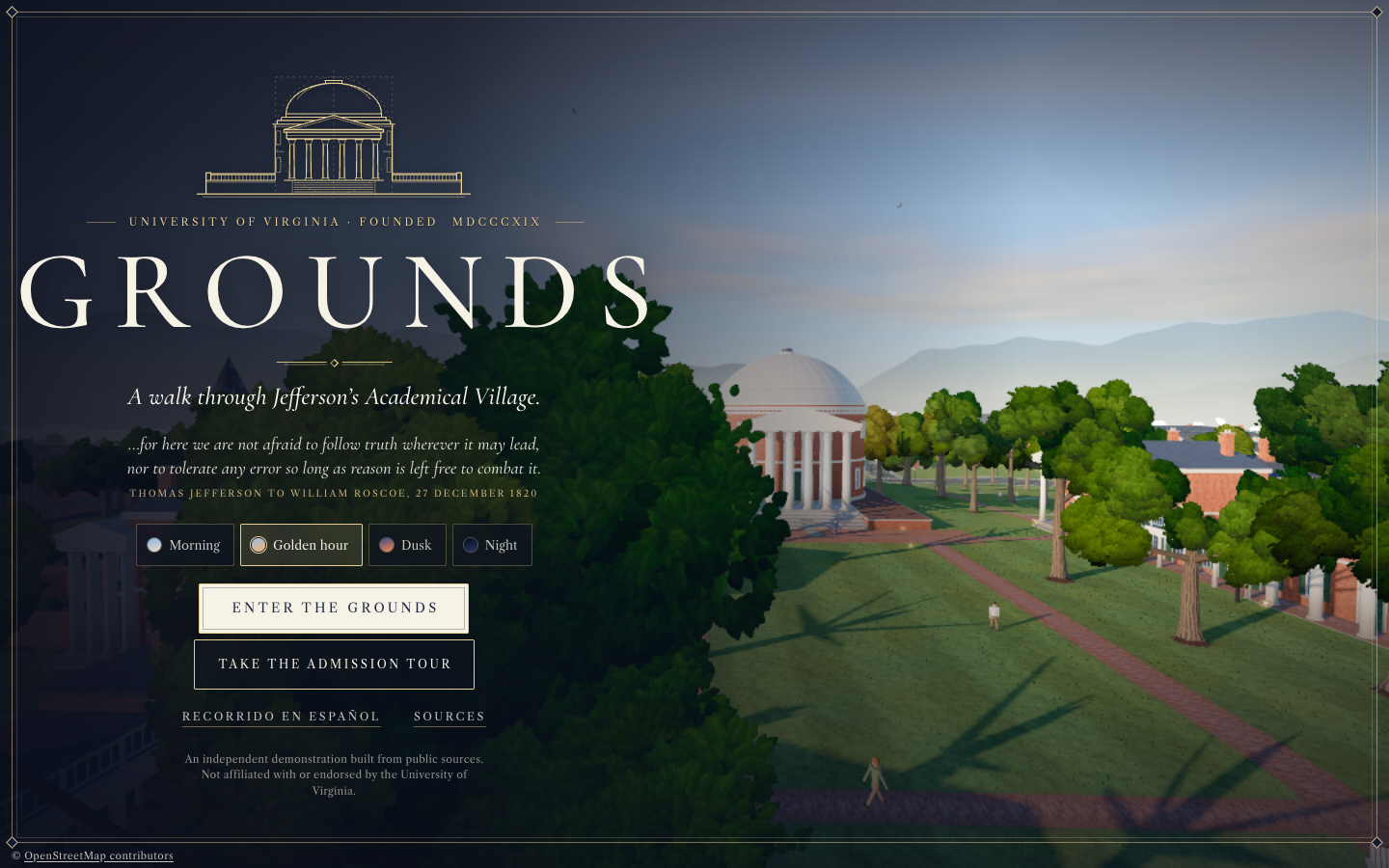 UVA · Original showcase
A workspace, ready to explore
UVA is already set up. Step into the actual Studio, shape all thirteen bilingual stories, add stop media, build journeys, and explore the recruitment and publishing tools.
Enter UVA demo workspace No account needed. Edits and example data stay in your browser. Independent demonstration; not affiliated with or endorsed by UVA.Explore the new university tools. Open the UVA Launch Center → or prepare consent-aware recruitment outreach →. Both use fictional example records and keep your practice edits in this browser.
Want to try it first? Enter UVA demo workspace → — no account needed.
Already using Quad? University editing and student records live in a separately hosted, authenticated workspace. Enter your university’s sign-in link to open it; the UVA demo above is ready to explore without a sign-in.